




About Geometry Arrow
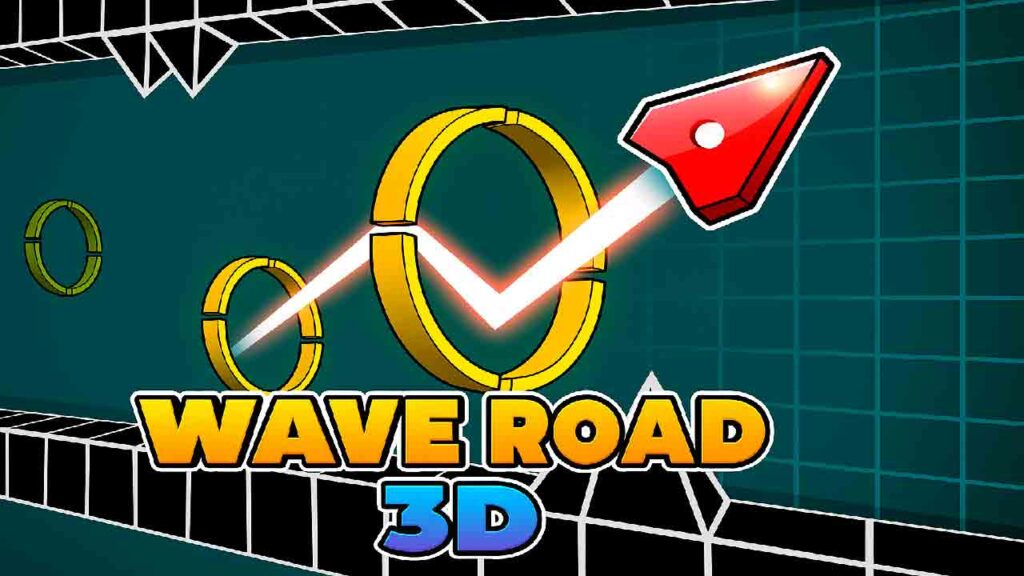
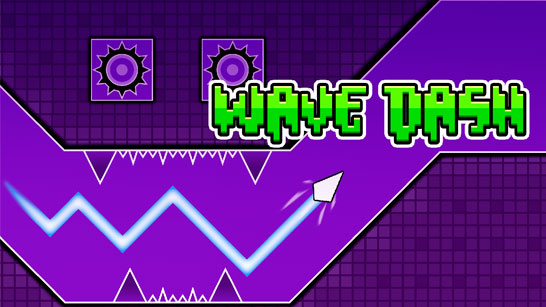
Geometry Arrow is an exciting arcade game that challenges your reflexes and timing. In this fast-paced platformer, you control a small triangular arrow continuously moving forward through narrow corridors loaded with spikes, walls, and geometric traps. Unlike traditional platform games, Geometry Arrow uses a unique wave-like movement system where the arrow moves diagonally upward or downward based on your clicks. The goal is to skillfully navigate the zigzag path without hitting any obstacles, making it a thrilling test of precision and quick thinking.
How to Play Geometry Arrow
The gameplay of Geometry Arrow is simple yet demanding. You guide the arrow through increasingly difficult levels by mastering the rhythm of clicking and releasing. Here’s how you get started:
Step 1: Automatic Forward Movement
The arrow moves forward on its own at a steady pace. You don’t control the speed or stopping—your focus is on steering the arrow’s vertical direction.
Step 2: Click to Move Upward
Pressing the left mouse button causes the arrow to move diagonally upward. Holding the click lets the arrow glide along ceilings and obstacles, giving you control to avoid spikes positioned above.
Step 3: Release to Move Downward
When you release the mouse button, the arrow starts moving diagonally downward. Timing your clicks to switch directions precisely is crucial to avoid crashing into walls or spikes.
Game Features
- Wave-Like Movement System: Geometry Arrow’s unique zigzag movement creates a fresh gameplay experience focused on timing and rhythm rather than traditional jump mechanics.
- Six Increasingly Challenging Levels: Each level introduces new obstacles and faster speeds, ranging from beginner-friendly passages to the intense “Demon Challenge” that tests even the best players.
- Minimalist Arcade Design: The clean geometric visuals and straightforward controls keep the focus on precision and reflexes, making it easy to jump in and hard to put down.
Tips for Playing Geometry Arrow
- Memorize Level Patterns: Each level has fixed obstacle placements. Playing repeatedly helps you learn where spikes and walls appear, improving your reaction time.
- Stay Calm During Fast Sections: Later levels speed up and add tricky obstacles. Keeping a steady hand and calm mind helps you maintain control when the pace quickens.
- Use Small, Controlled Clicks: Instead of holding the mouse button for long periods, try quick, precise clicks to better handle narrow corridors and sudden obstacle changes.
- Practice Early Levels Often: Revisiting beginner stages can sharpen your timing and build consistency, which is vital for tackling harder challenges later.
Why Play Geometry Arrow Online?
Playing Geometry Arrow online is a great way to enjoy a quick, engaging arcade challenge without any hassle. Since it runs directly in your browser, there’s no need to install anything or wait for updates. The game’s simple controls and fast gameplay make it perfect for short breaks or longer sessions when you want to test your reflexes. Plus, the increasing difficulty means you can keep improving and strive to beat your high scores each time you play.
FAQ
Can I play Geometry Arrow for free?
Yes, you can play Geometry Arrow for free online on this site. It’s accessible directly in your browser without any cost.
Do I need to download Geometry Arrow?
No, Geometry Arrow runs entirely in your browser, so there is no need to download or install anything unless otherwise stated.
What type of game is Geometry Arrow?
Geometry Arrow is an arcade game that focuses on reflex-based platforming with a unique wave-like movement mechanic.