



About Fun Clicker
Fun Clicker is a casual browser game that offers a colorful and straightforward idle gaming experience. Centered around a bright green cartoon character, the game invites players to click, upgrade, and repeat in a clean, user-friendly interface. There’s no complicated storyline or learning curve—just instant feedback after every tap that keeps the gameplay lively and engaging. Whether you’re a seasoned clicker fan or new to idle games, Fun Clicker provides a relaxing, addictive way to pass the time.
How to Play Fun Clicker
The core of Fun Clicker is simple but satisfying: tap the screen to earn points, then spend those points on upgrades that help you earn even more. The game doesn’t require tutorials or lengthy explanations; you just start clicking to see your progress grow.
Simple gameplay step 1: Click to earn points
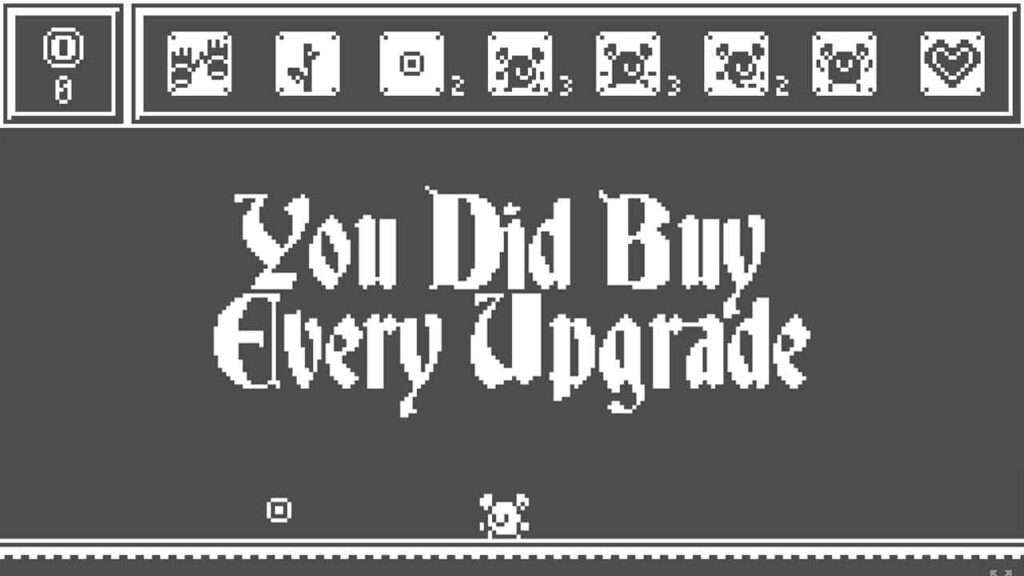
At the top of the screen, you’ll see a counter displaying your current points. Each click on the green character adds to this total. The more you click, the more points you accumulate, which brings you closer to unlocking upgrades.
Simple gameplay step 2: Upgrade to boost earnings
Once you have enough points, head to the Upgrades menu where you can invest your points to increase your earnings. Upgrades include click multipliers that boost points earned per click and automated systems that generate points without needing to click. Choosing the right upgrades is key to progressing faster.
Simple gameplay step 3: Repeat and optimize
After upgrading, keep clicking and watch your points grow more quickly. As your upgrades stack, your progress accelerates, encouraging you to spend points wisely rather than just clicking endlessly. The game pushes you to become more efficient, making each decision meaningful.
Game Features
Easy-to-understand idle mechanics
Fun Clicker is built around classic idle game mechanics where progress continues even when you’re not actively clicking. This makes it perfect for players who enjoy watching their numbers grow steadily without constant attention.
Colorful and clean design
The green cartoon character and simple interface create a fun and inviting atmosphere. The design keeps things lighthearted and makes it easy to focus on your clicking and upgrading without distractions.
Transparent upgrade system
The upgrades menu clearly shows the cost and benefits of each improvement. This transparency helps you plan your spending strategically, ensuring that every upgrade you buy feels like a rewarding step forward.
Tips for Playing Fun Clicker
Start by focusing on click multipliers
Early in the game, upgrades that increase points per click will give you the biggest boost. Prioritize these to maximize your immediate progress before investing in automated options.
Balance clicking and upgrading
While clicking is important, the game rewards smart spending. Avoid clicking endlessly without upgrading, as efficient upgrades will speed up your progress more than raw clicking speed.
Take short breaks and still progress
Since Fun Clicker includes idle mechanics, you can step away and return to find that your points have grown. Use this to your advantage by checking in periodically rather than trying to play for long stretches at once.
Why Play Fun Clicker Online?
Playing Fun Clicker in your browser means instant access without downloads or installations. Its simple controls and quick gameplay sessions make it ideal for casual fun whenever you have a few minutes to spare. The colorful design and smooth feedback keep the experience enjoyable, making it a great choice for players looking for light, stress-free entertainment.
FAQ
Can I play Fun Clicker for free?
Yes, Fun Clicker can be played for free right here in your browser. Enjoy the game without any cost or commitment.
Do I need to download Fun Clicker?
No download is required. Like most browser games, Fun Clicker runs directly in your web browser, so you can start playing immediately.
What type of game is Fun Clicker?
Fun Clicker is a casual game that fits perfectly into the idle and incremental clicking category. It’s easy to pick up and play for short or long sessions.